For separated parents
One calendar for two or more homes.
Share pickups, handovers and plans with the other parent. Your own calendar stays private.
Free for 14 days. One subscription covers everyone.
 Coming soon

Works on the web and Android today. iPhone app coming soon.
- One subscription covers everyone
- The app never shows either parent the other’s private diary
- 14 days free
Sound familiar?
Plans end up in screenshots of WhatsApp messages. Two calendars never quite agree. And every so often, someone finds out at school pickup that the swimming bag is at the other house.
Two Front Doors gives every home one calendar to check, so there is less to chase and less to remember.

Parenting time
Parenting time you can both see
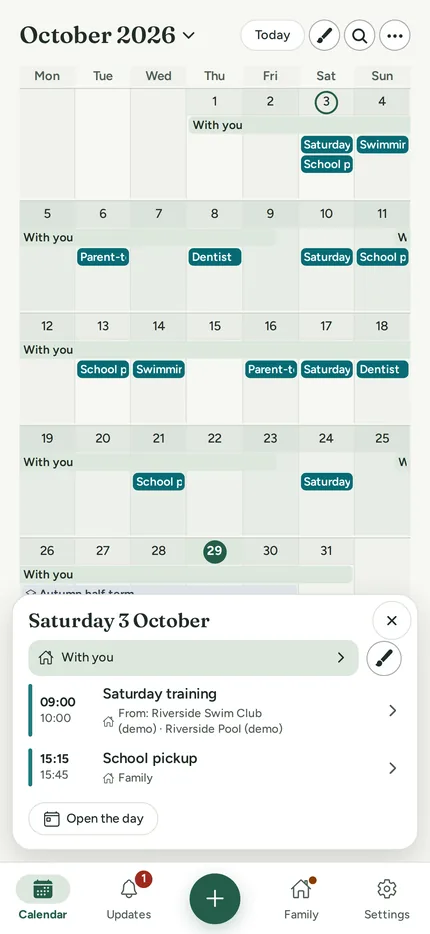
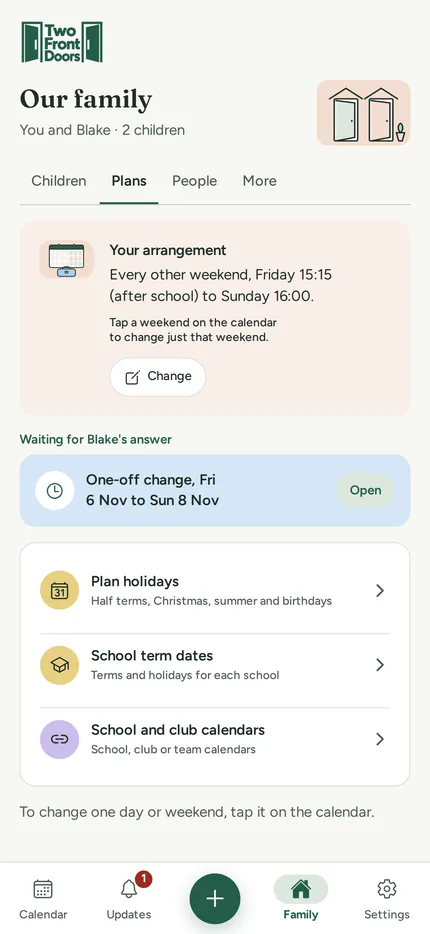
Set up your regular pattern once: every other weekend, week on week off, or your own. Handover times sit on the calendar, so nobody has to ask who is doing pickup.
Shared family plans
Family plans every home can see
School plays, dentist appointments, swimming. Add it once and it shows up for both of you. Anything you mark Only me stays private to you.
Changes and approvals
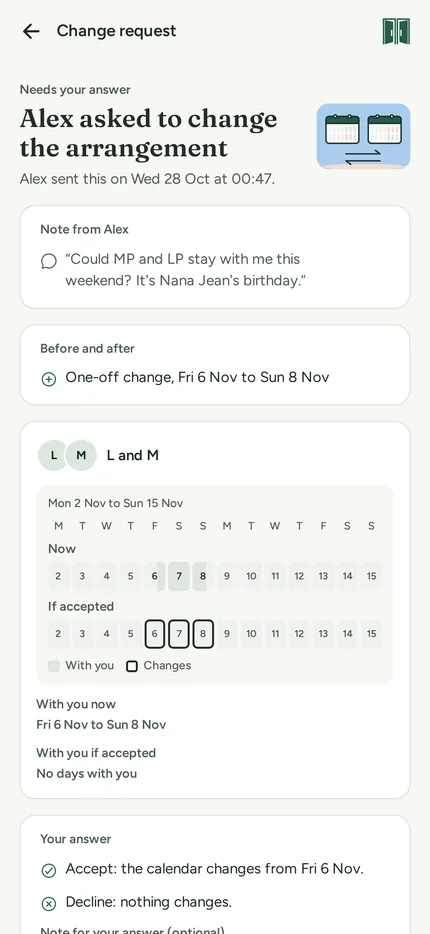
Swap a weekend without the back and forth
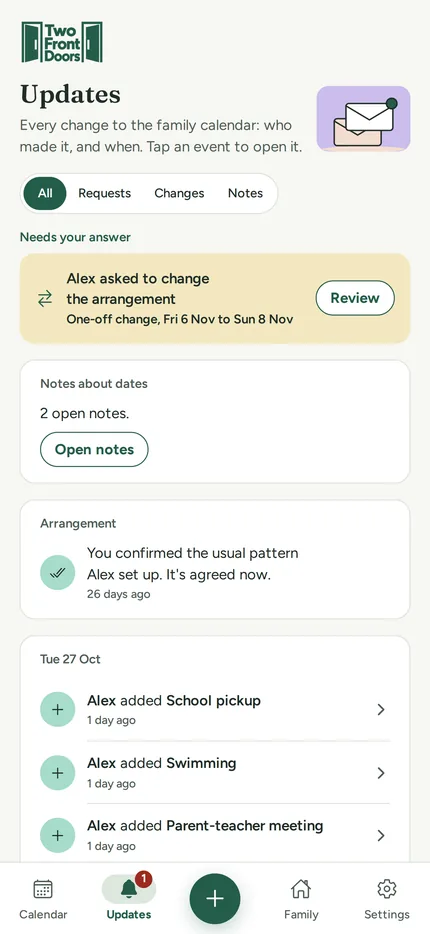
Propose a change and the other parent gets a clear request. The calendar only updates once they accept. Silence never counts as a yes.
Google Calendar
Works alongside Google Calendar
See your own Google events next to family plans, visible only to you. Send family plans to Google so they turn up where you already look. Connect it in the app or on the web.
Friday 2 October
Only you see your Google events. Alex never sees them, or which calendars you connect.
Helpers
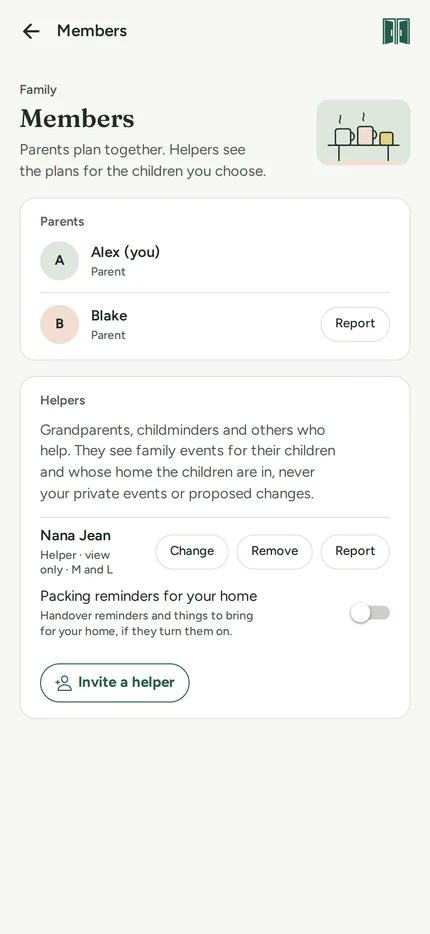
Room for grandparents and nannies
Invite the people who help out. They see the family calendar for the children you choose. Never your Only me events, your Google calendar or swap requests.
Privacy
Shared where it helps. Private everywhere else.
Two Front Doors keeps your personal events and the family calendar apart. The other parent sees the family side only.

What the other parent sees
- Shared family events
- Parenting time and handovers
- Changes you propose
What the app never shows them
- Your personal events
- Your Google Calendar
- Which calendars you’ve connected
How it works
Up and running in three steps
1
Set up your schedule
Choose your pattern and handover times. You can change them later.
2
Invite the other parent
Send an invite when you’re ready. They join under your subscription.
3
Add plans
Add school, clubs and appointments. Every home sees the same calendar.

Pricing
One subscription covers everyone on your family calendar
Start with 14 days free.
Guides
Co-parenting guides for everyday family life
Written for separated parents. General information, not legal advice.
-
How to split school holidays between separated parents (with a free planner)
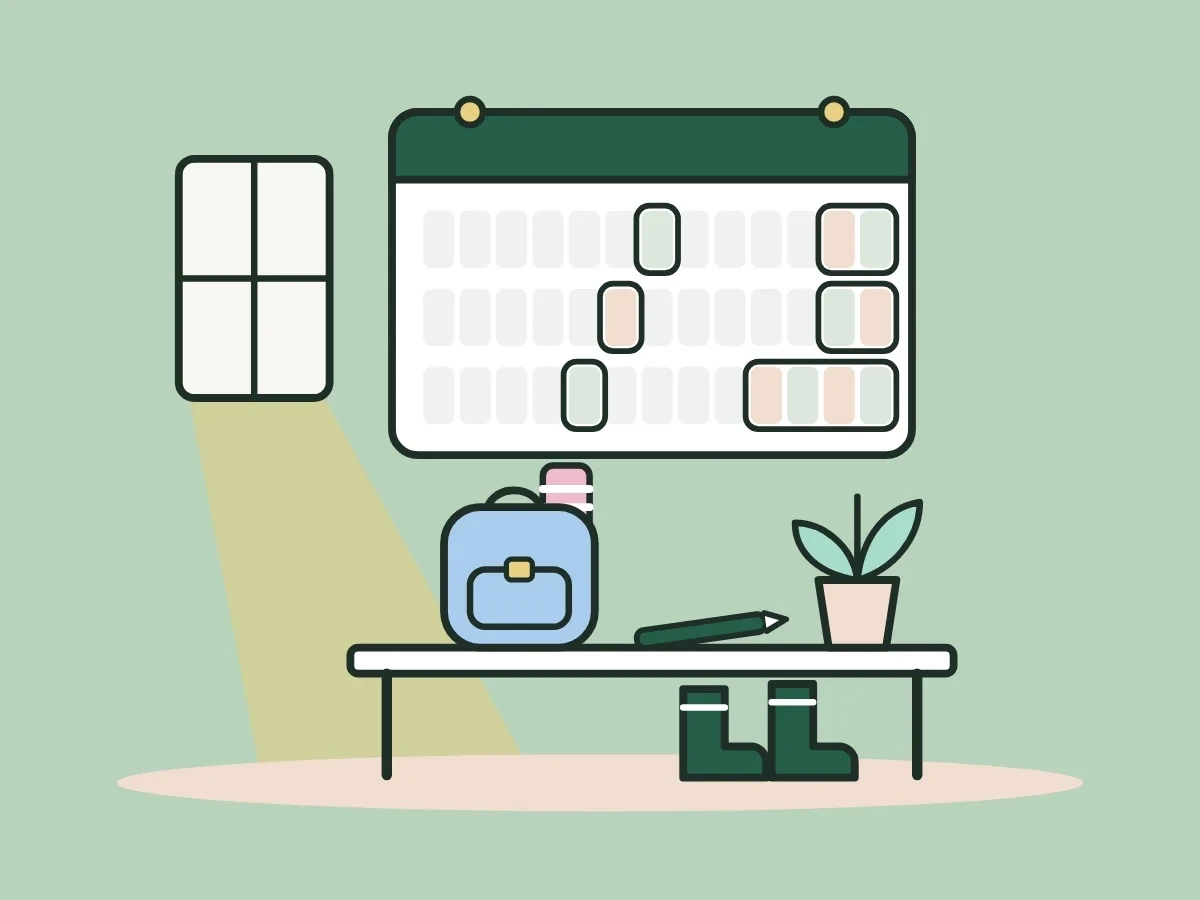
Read the guide: How to split school holidays between separated parents (with a free planner)I have my sons every other weekend and for about a quarter of their school holidays. Here's how their mum and I share each…
-
Christmas when you're separated: how to share it, with a free planner
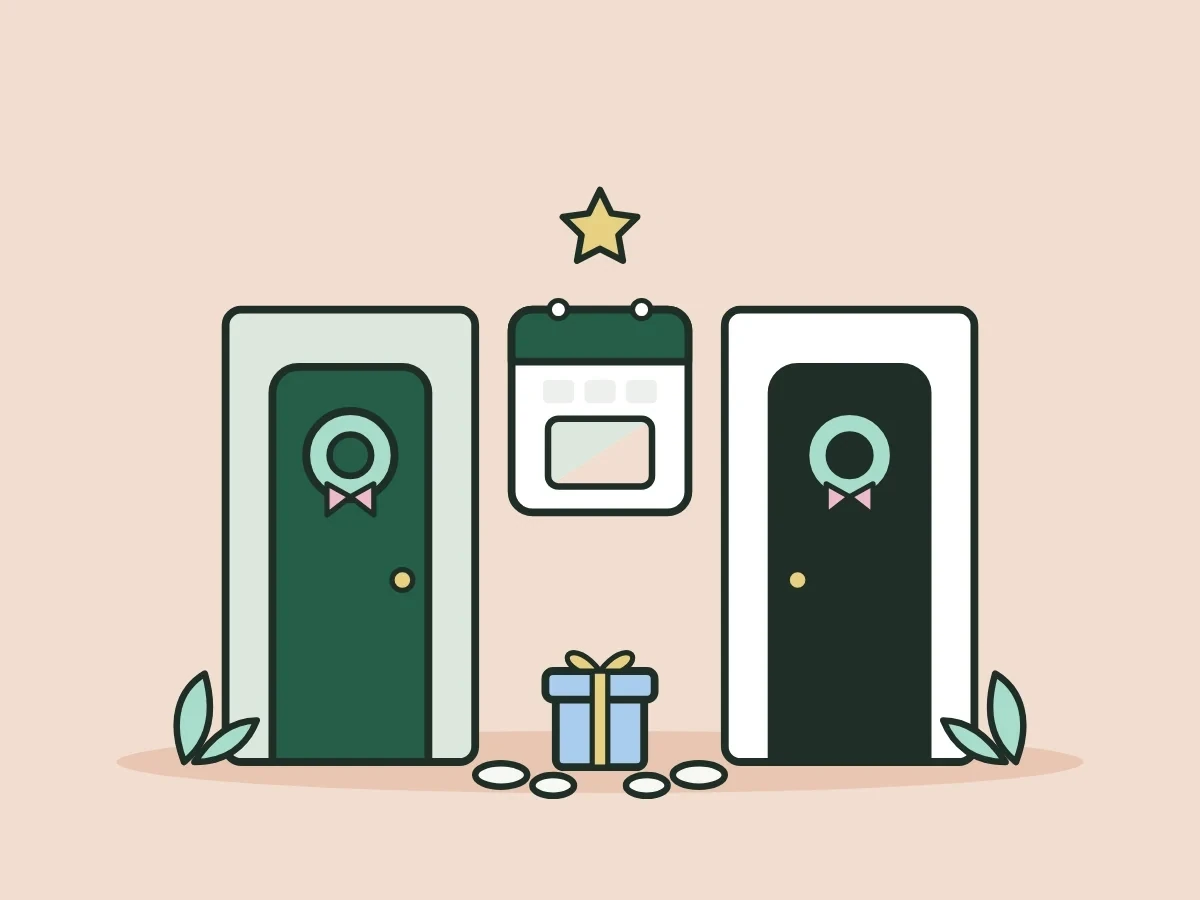
Read the guide: Christmas when you're separated: how to share it, with a free plannerCo-parenting at Christmas works best when it's agreed months ahead and swapped fairly each year. Here are the four common ways separated parents share…
-

Typical child contact arrangements after separation: the common patterns and how to choose
Read the guide: Typical child contact arrangements after separation: the common patterns and how to chooseThere's no standard child contact arrangement in the UK, but most families settle on one of a handful of patterns. Here are the common…
Does the other parent need to pay?
No. One subscription covers everyone on your family calendar: both parents and any helpers. Either parent can be the one who subscribes.
Can the other parent see my calendar?
No. They only see the shared family plans and parenting time. Your personal events stay private to you.
Is it free to try?
Yes. Free for 14 days. We take your card details when you start; unless you cancel before the 14 days end, you’re charged the price shown and then each month or year until you cancel.
Does it work with Google Calendar?
Yes. You can see your own Google events alongside family plans, and send family plans to your Google Calendar.
Can grandparents use it?
Yes. Invite them as helpers. They see the family calendar for the children you choose, never your Only me events, your Google calendar or swap requests.
Can I delete my account and data?
Yes, you can delete your account yourself in Settings, then Help, and download your calendar first if you want a copy.
Try it free for 14 days
Set up your schedule tonight and invite the other parent when you’re ready. One subscription covers everyone on your family calendar.
Coming soonOne account on the web, iPhone and Android. Use whichever suits you, or all three.